
Once upon a time, Malware was confined to our home computers. When smart
phones first hit the market, hackers didn't bother with mobile malware
because very little Internet traffic was running
 through phones.
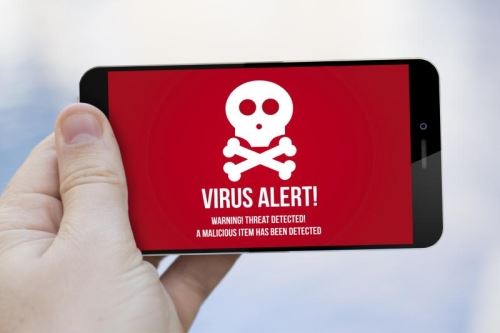
But now more than half of all Internet usage occurs on mobile devices. Hackers have made the switch to start targeting your phone, but many of us have grown to believe that viruses are still just a PC problem.
Phone malware can make your device run slowly or even stop working entirely, and it can also hijack your personal data and lead to identity theft.
So how can we fight back? Let's look at a few ways we can prevent malware from ever taking root in our phones:
- Keep your phone up to date. The newest versions of your phone's operating system typically lock out older malware that was effective on previous versions.
- Be wary of downloading apps. Only install apps with high ratings and trusted reviews. Take double precaution when downloading third-party apps, as these haven't been approved by Google or Apple.
- Enable your phone's web browser to eliminate pop-ups. More often than not, pop-ups lead to less-than-reputable places on the Internet.
- Ignore shady alerts or system messages from your phone. If a message asks you for personal information or requires you to click on a link, it's most likely not a manufacturer alert but rather spyware.
- Run spyware scans regularly to remove rogue programs before they can affect your device.
Even with the best intentions, it's still possible to suffer a malware attack. If your phone is acting weird, there are a couple things you can do to help.
First of all, head to your browser settings and clear your phone's internet cache and data. Next, run a malware scan from whatever security app you have installed, and remove any programs that come up.
If that doesn't work, you may need to initiate a factory reset on your device, making sure to back up apps and files first. As a last ditch effort, you'll need to take your phone to a professional exterminator for a deep clean.
As long as we have Internet-enabled devices, we'll need to watch out for malware—but take these simple precautions and you should be able to avoid 99% of these nasty bugs.
#mobilemalware #identitytheft